基于tcp协议的windows trace工具:tracetcp

基于tcp协议的windows trace工具:tracetcp
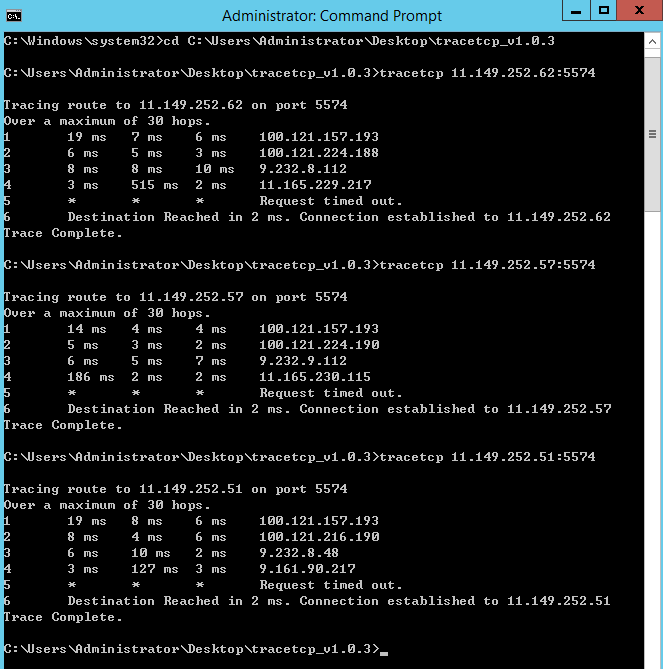
1、依赖winpcap的软件tracetcp,是基于tcp协议的windows trace工具,挺好用的,用法简单(tracetcp ip:port)
下载:https://github.com/0xcafed00d/tracetcp/releases
例子:https://simulatedsimian.github.io/tracetcp_examples.html
2、tcping
https://www.elifulkerson.com/projects/tcping.php
顾名思义,支持tcp的ping工具
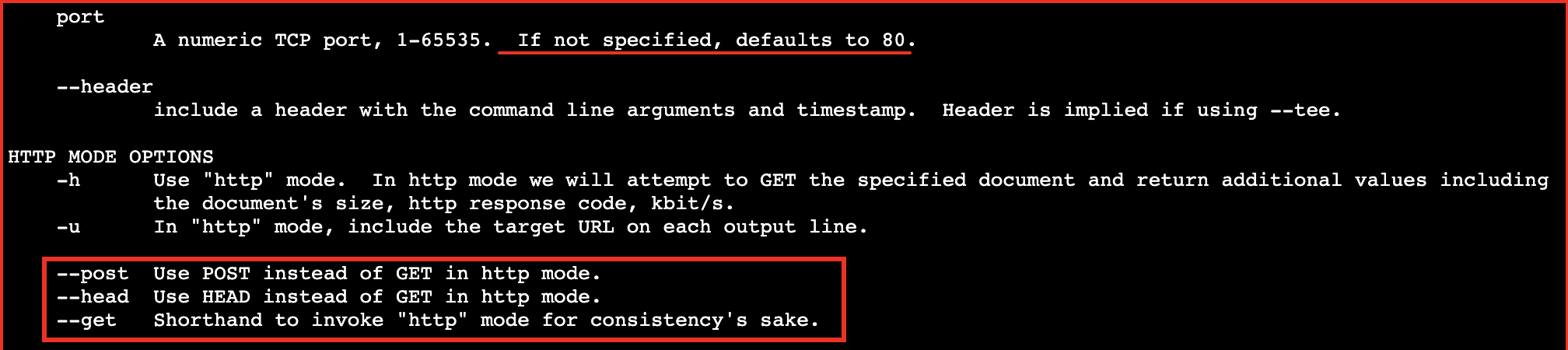
如果未指定端口,默认是80端口
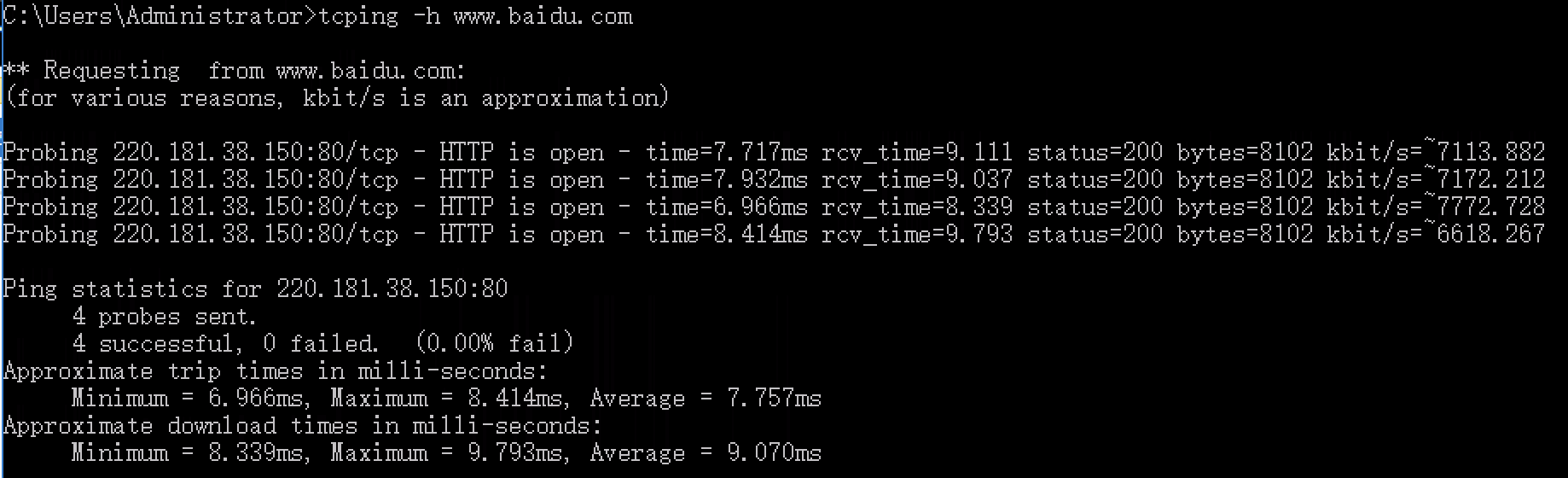
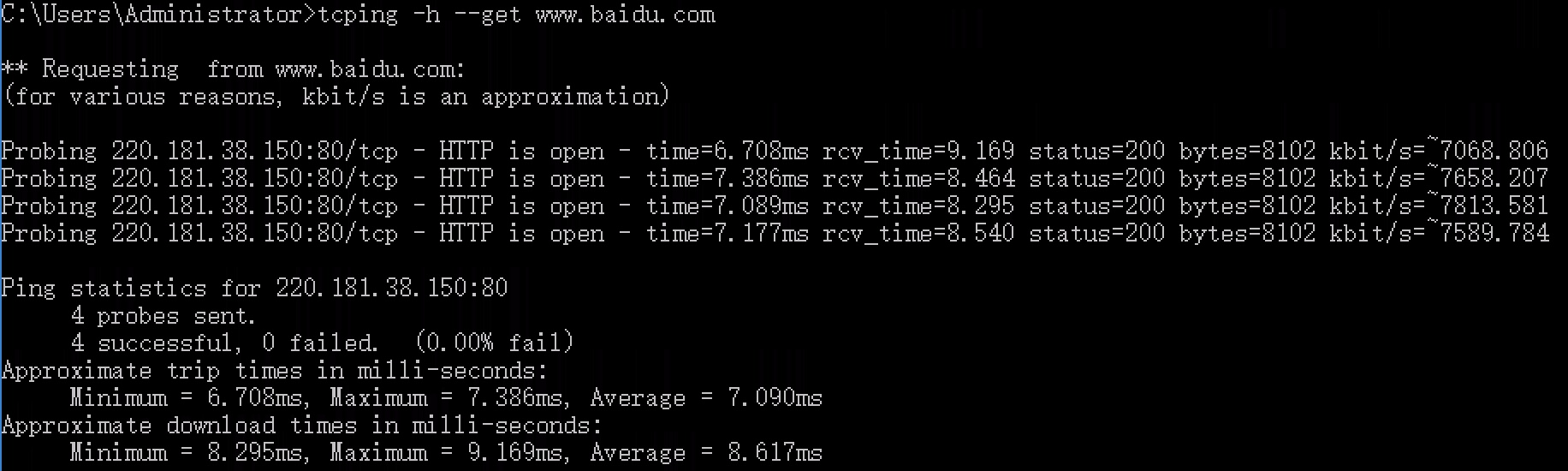
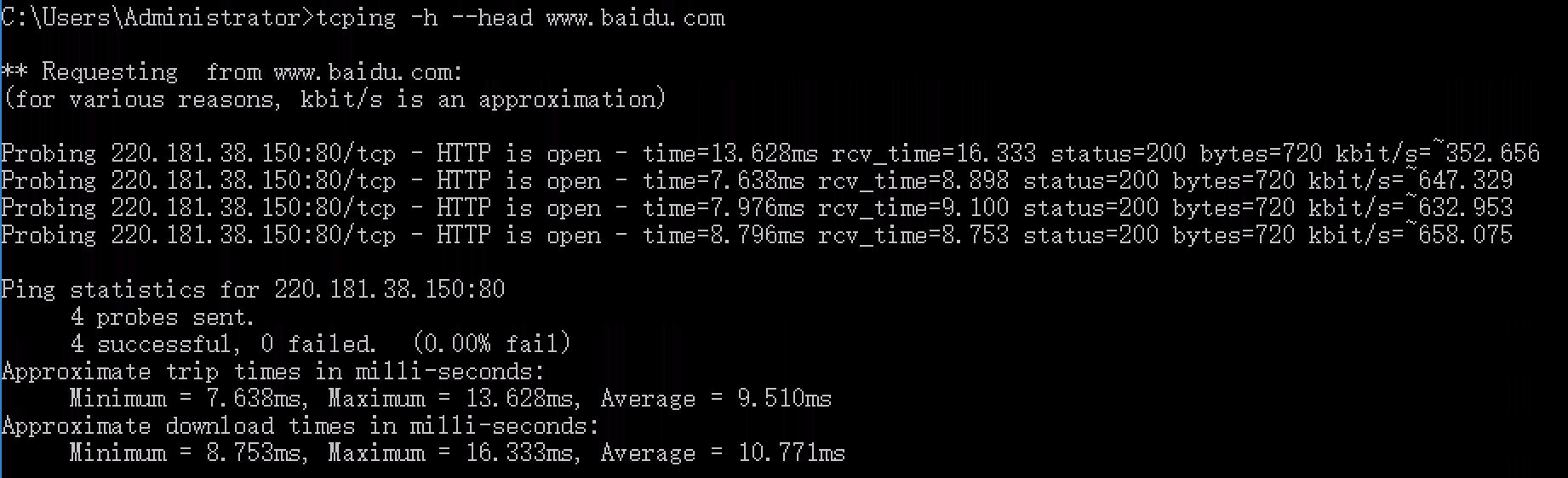
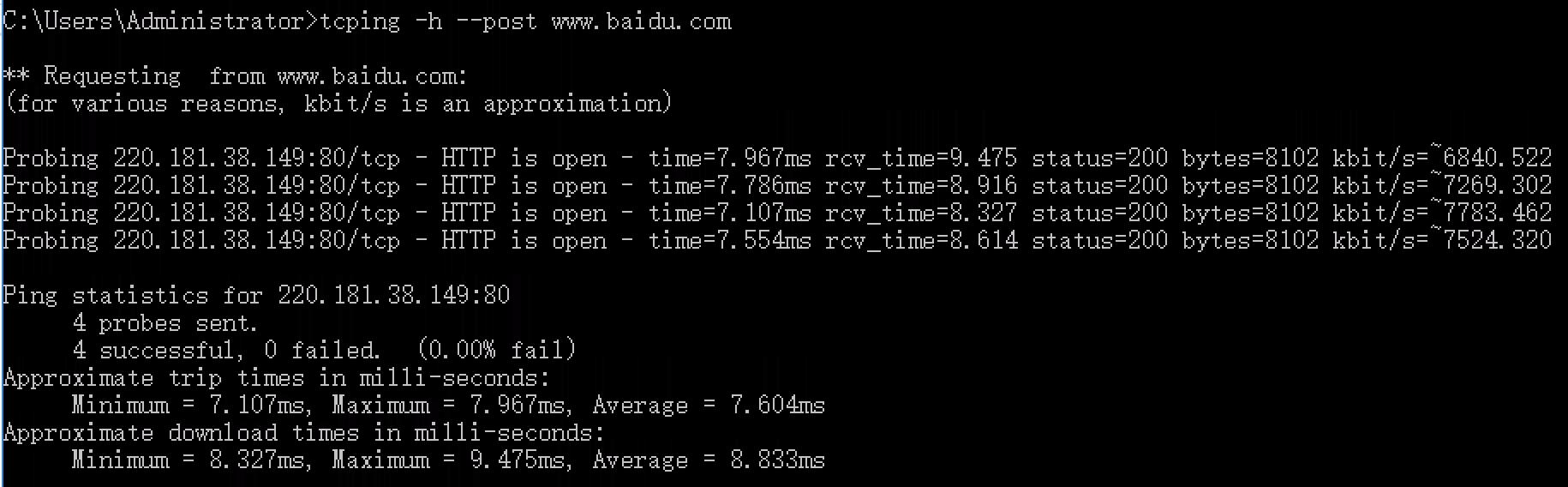
如下图,tcping IP Port或者tcping IP
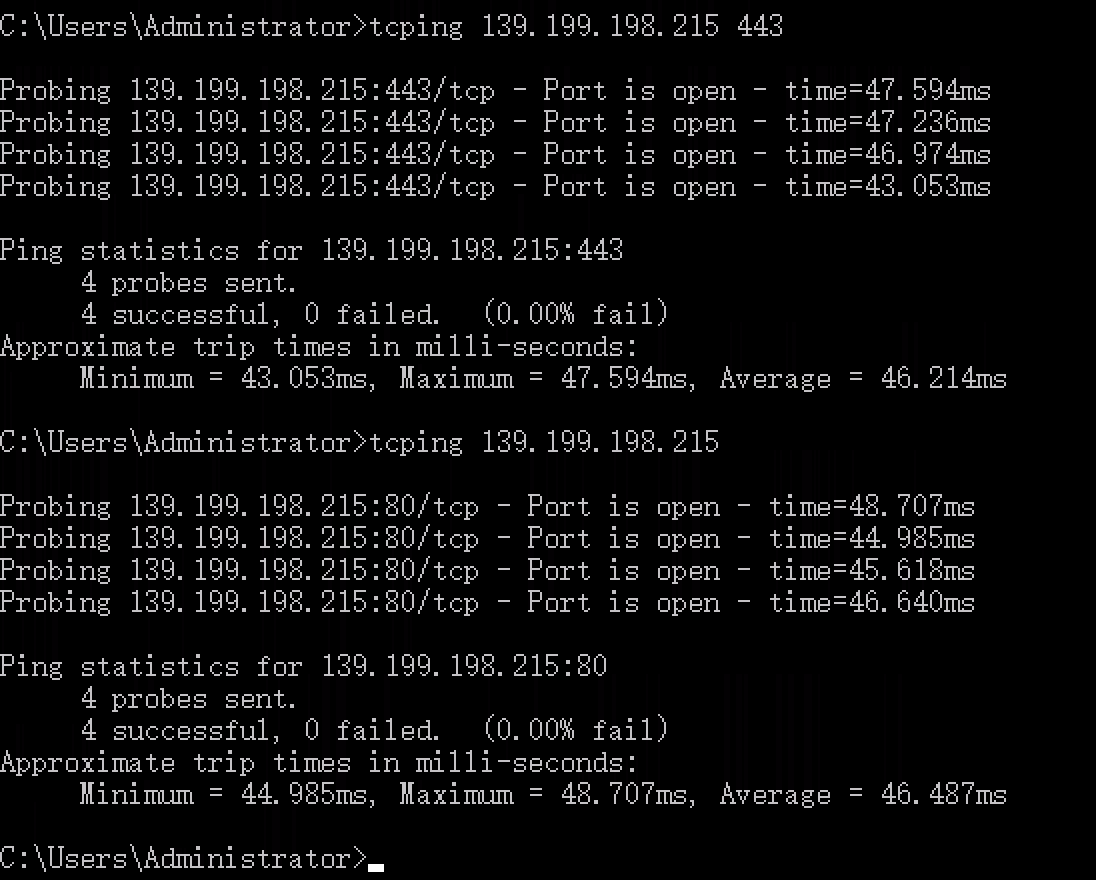
如果是测试Web服务器,参数可以加-h(等同-h --get)、-h --head、-h --post,也可以不加参数
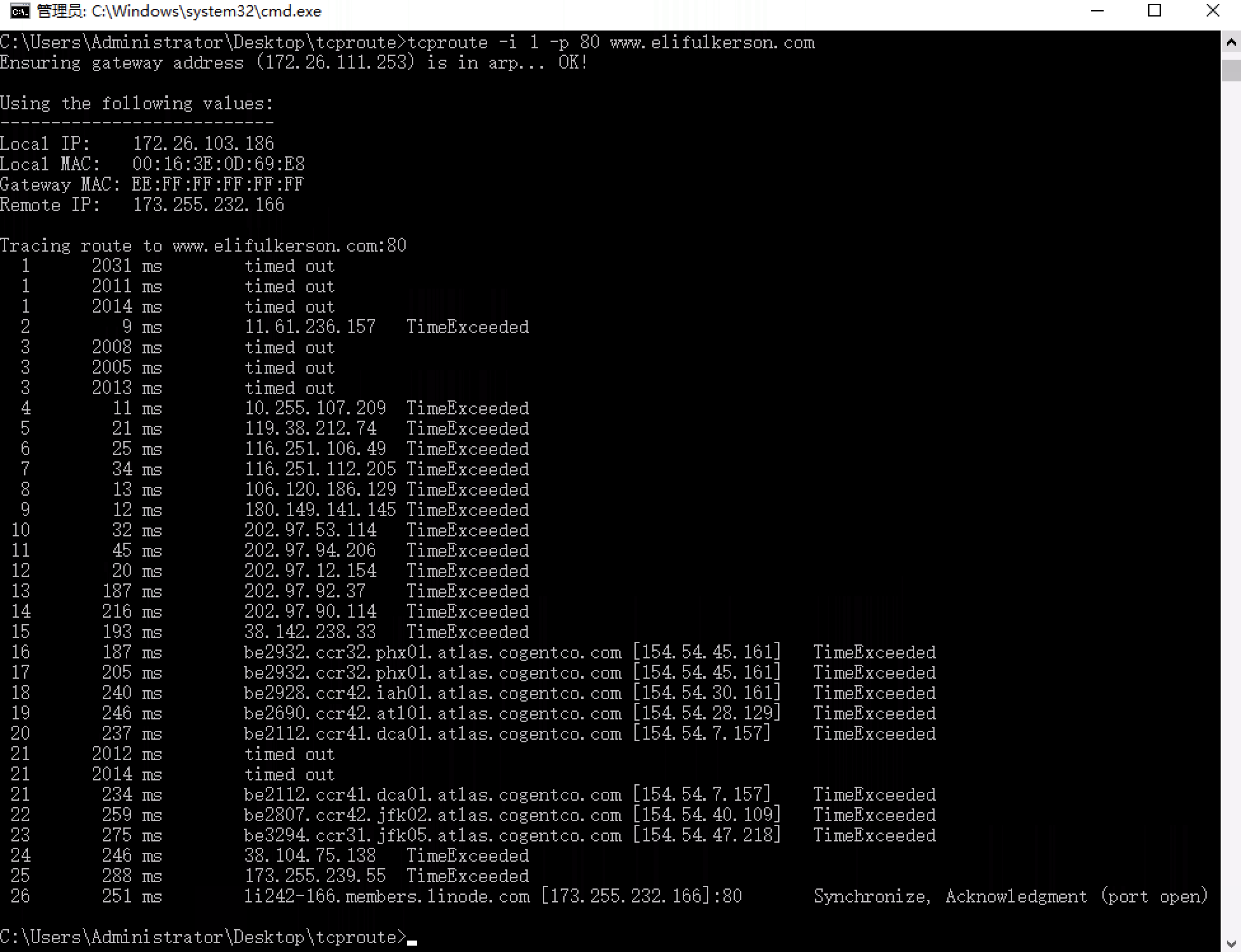
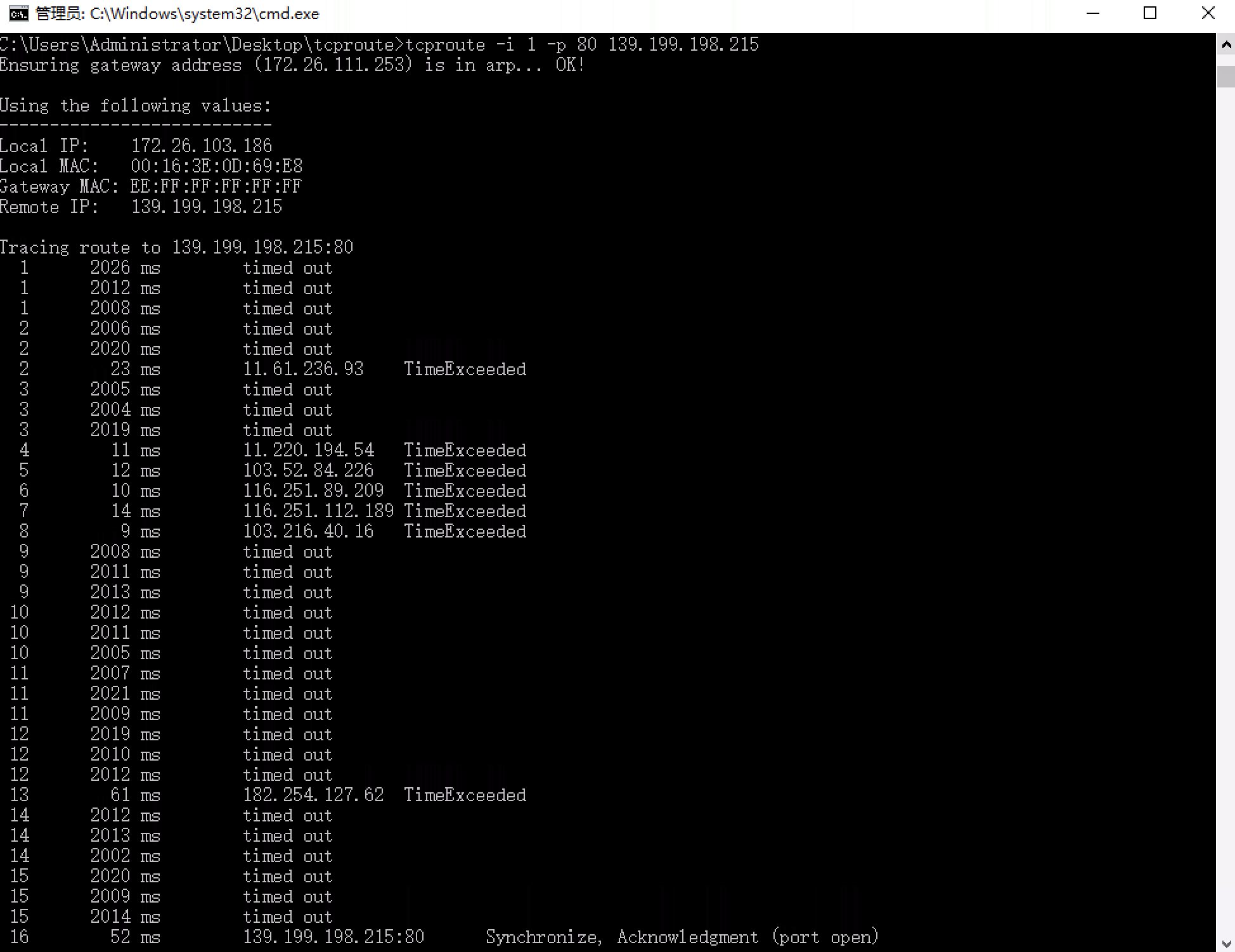
3、Linux下有 traceroute,Windows下有tracert -d xxx.xxx.xxx.xxx,但是tracert基于icmp协议,无法指定tcp协议,正好有款替代工具tcproute(依赖winpcap、VC库**、**DotNet4),实测这个工具是个鸡肋,很多时候执行有问题,建议用前面两种。鸡肋还写在这儿,就是为了避免其他人踩坑。
https://www.elifulkerson.com/projects/tcproute.php

WinPcap (安装的时候网络会有2秒左右闪断然后恢复正常)
Version 4.1.3 Installer for Windows
如果你信了winpcap官网说的“目前已经不支持winpcap,由于兼容性问题,已经用npcap替代winpcap”,那你就踩坑了
实际上,winpcap最后一个版本4.1.3在所有Windows系统上都能跑,并且依赖winpcap的那些早年开发的软件你换了npcap就出现异常了,该软件以及已知的另一个软件tracetcp都是只能用winpcap,不能用npcap
DotNet4
Windows Server2008R2上安装dotnet在powershell里执行
Get-WindowsFeature -name net-*|Add-WindowsFeatur即可
2012R2/2016/2019上安装dotnet在powershell里执行
Get-WindowsFeature -name net-*|Install-WindowsFeature即可
tcproute用法
只需进入解压后的tcproute文件夹执行tcproute命令即可
例如:
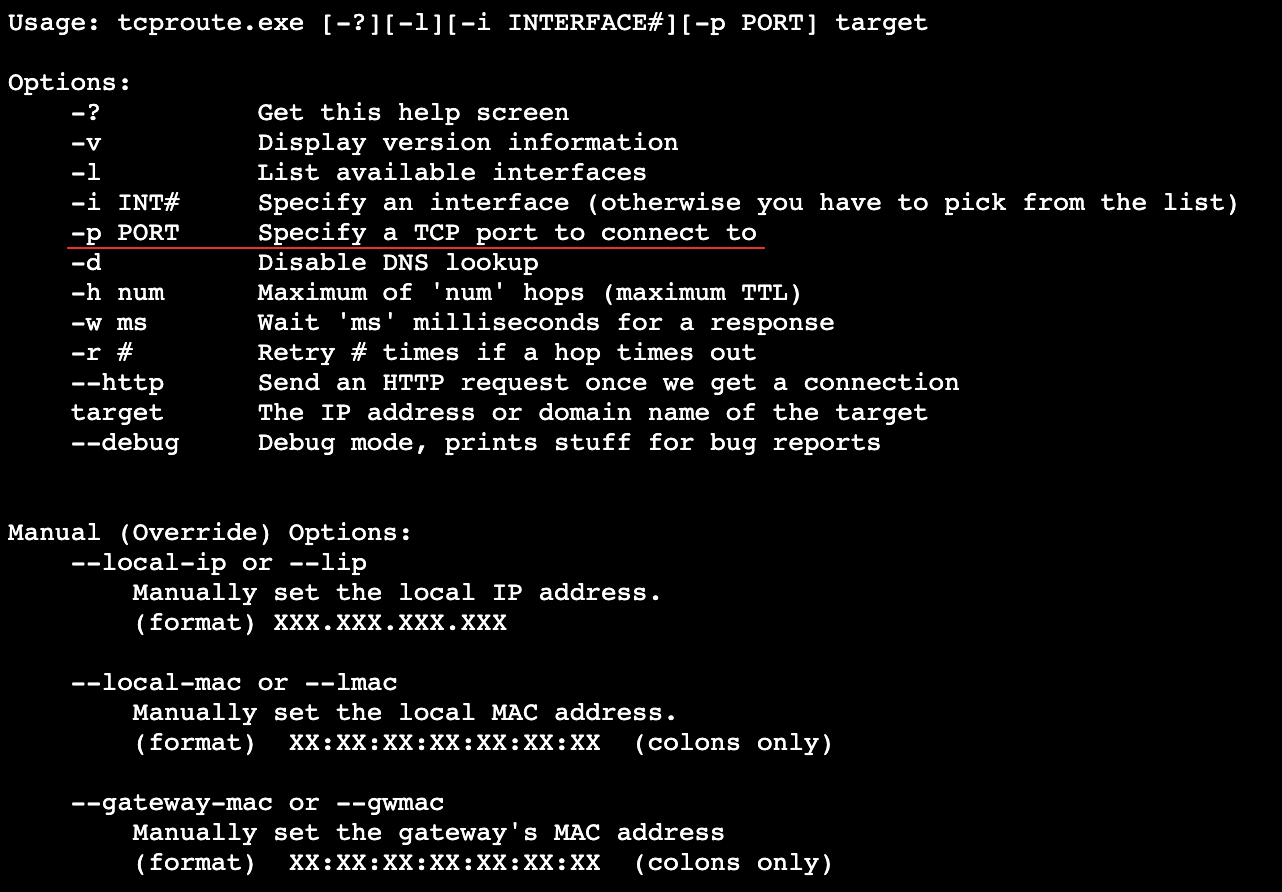
tcproute -i 1 -p 80 www.elifulkerson.com
-i后面的整型数字代表第几块网卡,如果不加-i参数,直接运行tcproute -p 80 www.elifulkerson.com**就需要手动敲数字选网卡**
-p后面的数字是tcp端口号
最后的域名是目标host,也可以用IP替代